Let an AI chat watch your video.
Claude and ChatGPT can read text and look at pictures, but they can't watch video. FlipFrame turns a video into the handful of frames that actually carry information, plus a transcript, and gives you one PDF to drop into the chat.
How it works
-
Pick a video
From your phone or computer. It is read in the page, not uploaded anywhere.
-
Your browser does the work
It keeps only the moments where the picture changed, crops each one to the part that changed, and writes down the speech — either with Whisper running on your device, or through Google with your own key.
-
Share the PDF and ask
One page per moment: the close-up, then what was said until the next one. The first page tells the model how to read it, so you just ask your question.
What a page looks like
A coding tutorial — the code on screen is the content
[02:47] During each iteration, take x and multiply it by two.
[02:52] Then print the list of doubles.
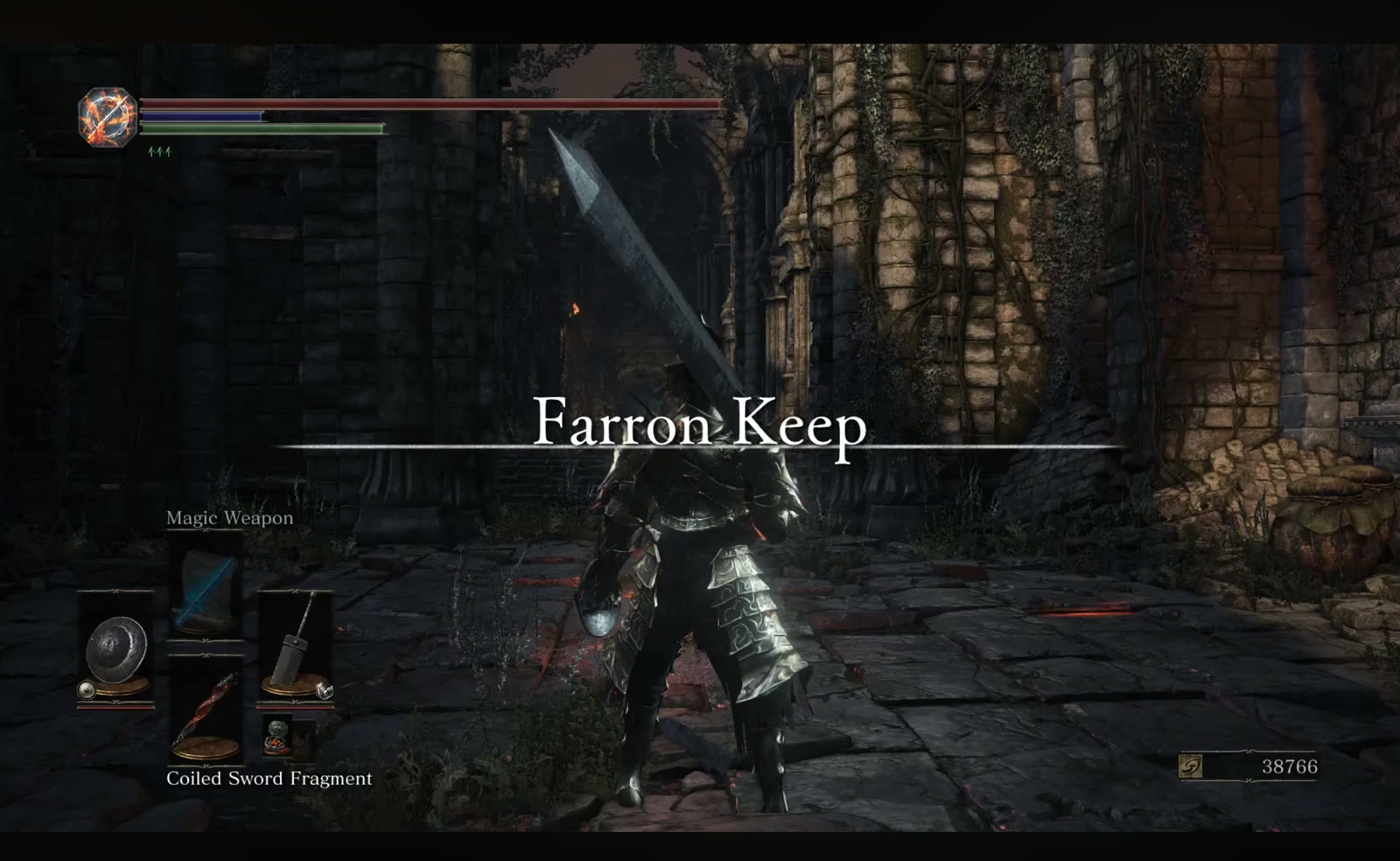
A gameplay clip — no narration, so the screen carries everything
Worth knowing
Private by default
Frames are cut in your browser. Speech can run on your device too, using a bundled Whisper model. Nothing is uploaded unless you choose Google for speech, and then only the audio.
Good at screens and slides
Screencasts, tutorials, lectures and gameplay work well, because what matters sits still long enough to be caught in a frame.
Weak at motion
Sport, dance and physical demos lose the movement between frames. You get where things happened, not how they moved.
Honest about gaps
Small changes, like a line being typed, can fall between moments. The PDF says so on its first page, so the model doesn't assume it saw everything.